Smart Thermostats for Rentals
This post contains affiliate links. If you buy through them, we may earn a commission at no extra cost to you. As an Amazon Associate we earn from qualifying purchases. Learn more.
How we researched this: this is a research roundup based on manufacturer specifications and published reviews. We have not tested these products hands-on, and we do not list prices or ratings. Check the linked sources and current listings before you buy.
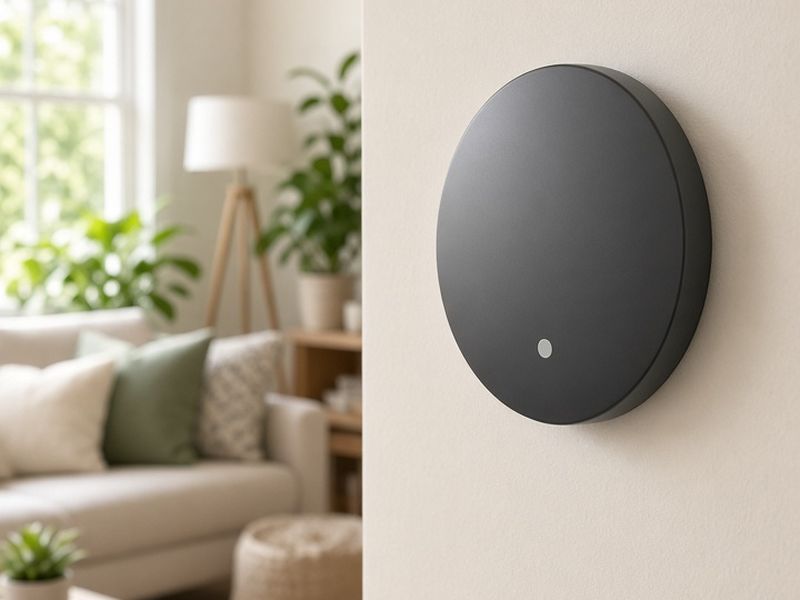
Heating and cooling an empty rental is one of the quietest ways to lose money. Guests leave windows open with the air conditioning running, set the heat to tropical levels and walk out at checkout without a second thought. A smart thermostat lets you set limits, pre-condition the home before arrival and drop back to an eco setting when nobody is there. This research roundup is based on manufacturer specifications and published reviews; we have not tested these thermostats hands-on.
Why hosts need a different approach
A homeowner wants a thermostat that learns their routine. A host has no routine: every stay brings a new guest with different preferences. That means the most useful features for rentals are remote control, scheduling tied to occupancy, temperature limits and alerts.
- Remote control lets you fix a guest complaint in seconds without a visit.
- Pre-conditioning means guests walk into a comfortable home on a hot or cold day.
- Eco or away settings between stays cut wasted energy.
- Range limits stop extreme settings without taking control away from guests entirely.
- Temperature alerts warn you about frozen pipes or a failed system in an empty home.
Some property management tools connect to thermostats and change settings automatically based on the booking calendar.
Ecobee Smart Thermostat Premium: the frequent top pick
Wirecutter names the Ecobee Smart Thermostat Premium as its top pick. Published reviews highlight that it includes a SmartSensor with occupancy detection, has Alexa built in and works across the major smart home platforms.
For a rental, the remote sensor is the interesting part. Place it in a bedroom and the thermostat can balance comfort where guests actually sleep rather than only in the hallway where the thermostat hangs. Occupancy detection can also help the system know when the home is empty.
If you are uncomfortable with a built-in voice assistant in a rental, check the settings for disabling the microphone and disclose smart devices in your listing. Compare ecobee Smart Thermostat Premium listings.
Google Nest Learning Thermostat (4th gen)
The fourth-generation Nest Learning Thermostat is praised in reviews for its sleek design and Matter support. Tom's Guide compares it directly with the Ecobee Premium and notes that while Nest also offers a temperature sensor, that sensor lacks occupancy detection.
Learning features are less helpful in a rental because each guest behaves differently, so many hosts turn auto-scheduling off and rely on remote control and eco temperatures instead. If your property already runs on Google Home, Nest may fit neatly into your existing setup. See Nest Learning Thermostat (4th gen) options.
Ecobee Smart Thermostat Enhanced: the value option
Not every property needs the premium model. Reviews describe the Ecobee Smart Thermostat Enhanced as a value option in the Ecobee line, with remote control and smart home compatibility. You can add sensors later if a particular room needs them.
For hosts with several units, a less expensive model with remote control can cover most needs. Spend the difference on sensors for the properties where comfort complaints come up most often.
Setting limits without annoying guests
The fastest way to get a bad review is to lock guests out of the thermostat entirely on a hot day. A better approach:
- Set a comfortable range, wide enough for normal preferences, and use the thermostat's own limit settings if available.
- Schedule pre-conditioning to start a couple of hours before check-in.
- Switch to an eco or away temperature after checkout.
- Turn on alerts for unusually high or low temperatures.
- Leave a short note in the guest guide explaining how to adjust the temperature.
Some hosts add a clear cover over the thermostat. Check that it still allows guests to make basic changes, or you may trade energy savings for complaints.
Installation notes
Most smart thermostats need a common wire, often called a C-wire, for steady power. Check your existing wiring before you buy; some kits include an adapter, and an HVAC pro can add one if needed. Take a photo of the old wiring before you disconnect anything.
Turn off power to the system at the breaker before swapping thermostats, and follow the manufacturer's compatibility checker. Heat pumps, dual-fuel systems and older boilers sometimes need extra setup. If you manage multiple properties, keep a note of each model and its wiring in your maintenance records.
Frequently asked questions
Can a smart thermostat lower energy bills in a rental? Remote control and eco settings between stays can reduce waste in an empty home. We do not quote savings figures because results vary widely by climate, system and guest habits.
Should guests be able to change the temperature? Yes, within a sensible range. Total lockouts tend to cause complaints.
Ecobee or Nest? Published reviews favor the Ecobee Premium for its occupancy-sensing remote sensor, while Nest wins praise for design and Matter support. Pick the one that fits your platform and management tools.
Shop the ideas
- ecobee Smart Thermostat Premium on Amazon
- Nest Learning Thermostat (4th gen) on Amazon
- ecobee Smart Thermostat Enhanced on Amazon
- ecobee SmartSensors on Amazon
- Thermostat guard covers on Amazon
- C-wire adapters on Amazon
Links go to Amazon search results so you can compare current options, prices and reviews yourself.
Sources
Save this idea to Pinterest.
More Host Gear
- Best TVs and Streaming Setups for Guests
- Noise and Occupancy Monitors for Rentals
- Smart Home Starter Kit for Hosts
Images: AI-generated illustrations created for The Backyard Gazebo.